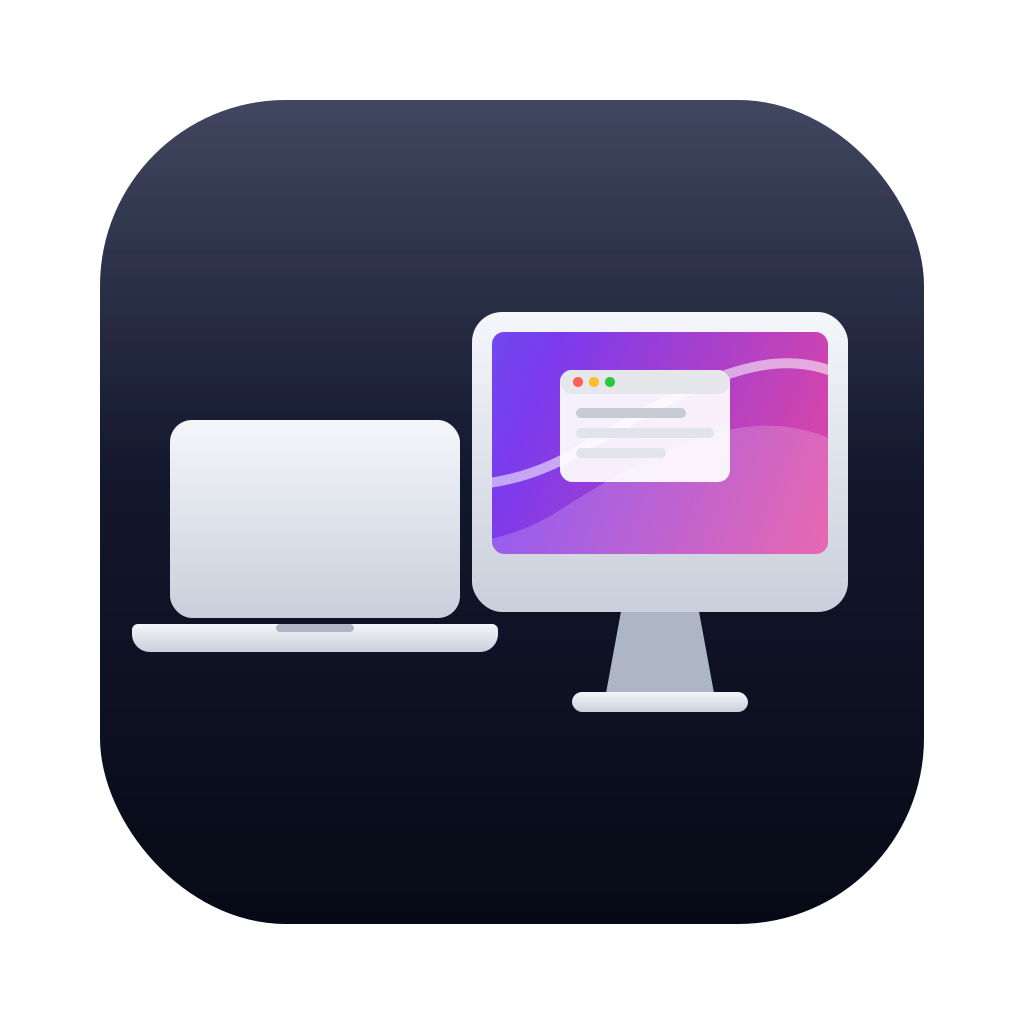
Bring your iMac
back to life.
The second display for your MacBook. One cable. Done.
Two screens. One desktop.
macOS sees it as just another monitor. Drag windows over with your trackpad.
Three steps. Once.
Plug in
One cable to your MacBook's USB-C port.
Open Spanly
On both Macs. They find each other.
Drag
Your iMac is now your second display.
Will it work with my iMac?
If it runs macOS Catalina or later, yes.
- 2012
- 2013
- 2014
- 2015
- 2017
- 2019
- 2020
- 2021+
- Unlimited hours
- Thunderbolt, Ethernet, and Wi-Fi
- Cancel anytime
Quick answers
Do I need Target Display Mode?
No. Target Display Mode doesn't work with Apple silicon Macs. Spanly creates an extra display on your MacBook and sends it to your iMac over a cable or Wi-Fi. Why Target Display Mode doesn't work.
Is it an extended desktop or mirroring?
Extended desktop. macOS sees your iMac as another monitor, and you can drag windows from one screen to the other.
What cable do I need?
An adapter that plugs into your MacBook's USB-C port: Thunderbolt 3 to Thunderbolt 2 (plus a Thunderbolt 2 cable) or USB-C to Gigabit Ethernet (plus a network cable). Wi-Fi works too. All questions.
Which Macs does it work with?
Any MacBook or Mac with Apple silicon and macOS 13 or later, and as the display, any Mac with macOS 10.15 Catalina or later, like an iMac from 2012 onward. See compatibility.
How much does it cost?
7 days free with 1 hour of use per day, no credit card. Then $20 per month. Cancel anytime.
Guides
How to use an iMac as a monitor for an Apple silicon MacBook
Every way to use an old iMac as a second display for an M1, M2, M3, or M4 MacBook in 2026: what works, what doesn't, and which one to pick.
ExplainedTarget Display Mode: why it doesn't work with M1, M2, M3, and M4 Macs
Command-F2 does nothing and your iMac won't show up as a monitor. Here are the real Target Display Mode requirements and the alternatives you have.
CablesCan you connect two Macs with a USB-C to USB cable?
Why a USB-C to USB-A cable doesn't connect two Macs, how USB-C, USB, and Thunderbolt differ, and which cable to use to connect a MacBook to an iMac.